Data & privacy: exporting your data or deleting your account
How we treat your data, taking a copy of everything in your account, and what happens when you delete it.
Written By Tailored Folio
Last updated About 7 hours ago
Data & privacy is where you take a copy of everything you've put into Tailored Folio, or close your account. Open your avatar menu, then Settings, then Data & privacy.
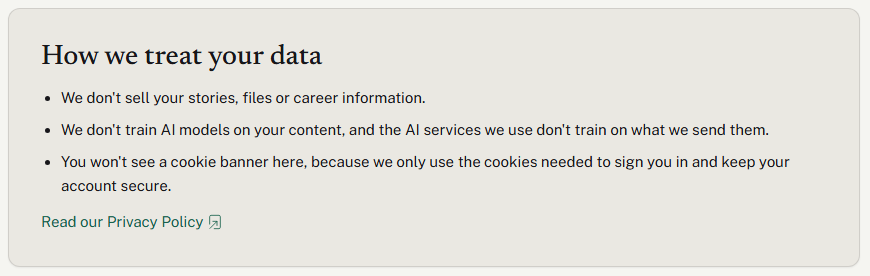
How we treat your data
The top of the page says it plainly:
- We don't sell your stories, files or career information.
- We don't train AI models on your content, and the AI services we use don't train on what we send them.
- Tailored does not use optional or advertising cookies. We use only the cookies and local storage needed to run the service, plus display preferences you choose.
These repeat what the Privacy Policy already says, and the link under them opens it in a new tab. The policy also lists the services we use and what each one does. For more on cookies, see What cookies does Tailored Folio use?
Exporting your data
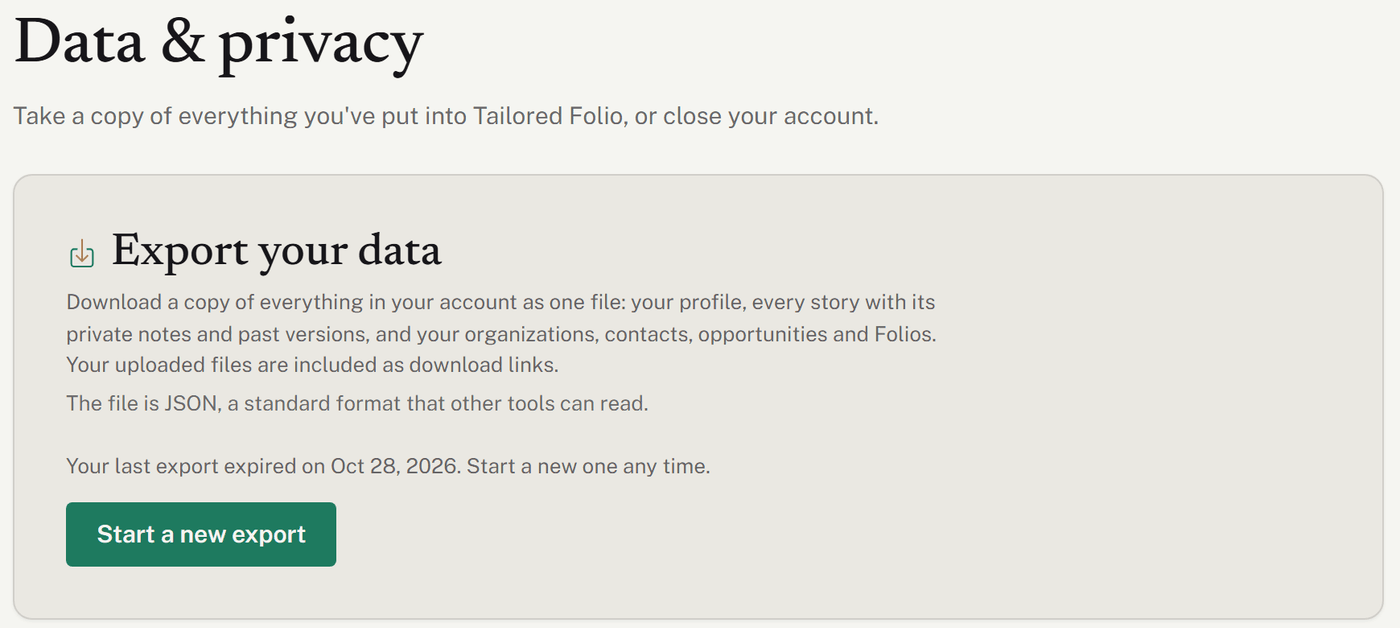
- Choose Export my data (or Start a new export if you've exported before).
- We put the export together. It usually takes a minute or two, and you don't need to stay on the page.
- When it's ready, we email you: Your Tailored Folio data export is ready. The link in the email takes you to this page; sign in if asked.
- Choose Download export.
The download, and the file links inside it, work for 7 days. You can download it as often as you like until then. After that, start a new export. Only one export runs at a time; if you ask again while one is being made, we'll email you when that one's ready.
Exporting is free on every plan.
What's in the export
The export is one JSON file, a standard format that other tools can read, named like tailored-folio-export-2026-11-02.json. It includes:
- your profile, career profile and the resumes you imported;
- every story, including archived ones, with all of its private writing, its past versions and its variations;
- your files, as download links. Video and audio links are listed as links, and written pieces are written out in full;
- your organizations, contacts, roles and opportunities;
- your Folios with their stories, share-link settings and activity totals (a passcode is shown only as set or not set);
- your settings, including your notification switches, your sharing defaults, your dates and time choices and your Getting started progress;
- whether two-step verification is on and how many unused backup codes you have, never the codes themselves;
- your plan, your accepted terms, and a log of the emails we've sent you.
It doesn't include AI drafts that you didn't keep, your custom domain, or the content of each published copy of a Folio. Activity is totals only, with nothing about who opened a Folio.
Keeping the export safe
The file holds everything in your account, including the private parts of your stories, written out in full so the words are yours to keep. The file itself isn't password-protected, and anyone who has it can use the file links inside it until they expire. Keep it somewhere safe, and don't send it to anyone you wouldn't show your stories to.
When support makes an export for you
If you can't sign in, contact us. Once we've confirmed it's you, we can make an export for you. It arrives by email at your account's address with the subject Your Tailored Folio data export. That link works once, for 48 hours, without signing in. If you didn't ask for it, don't use the link, and contact us right away.
Deleting your account
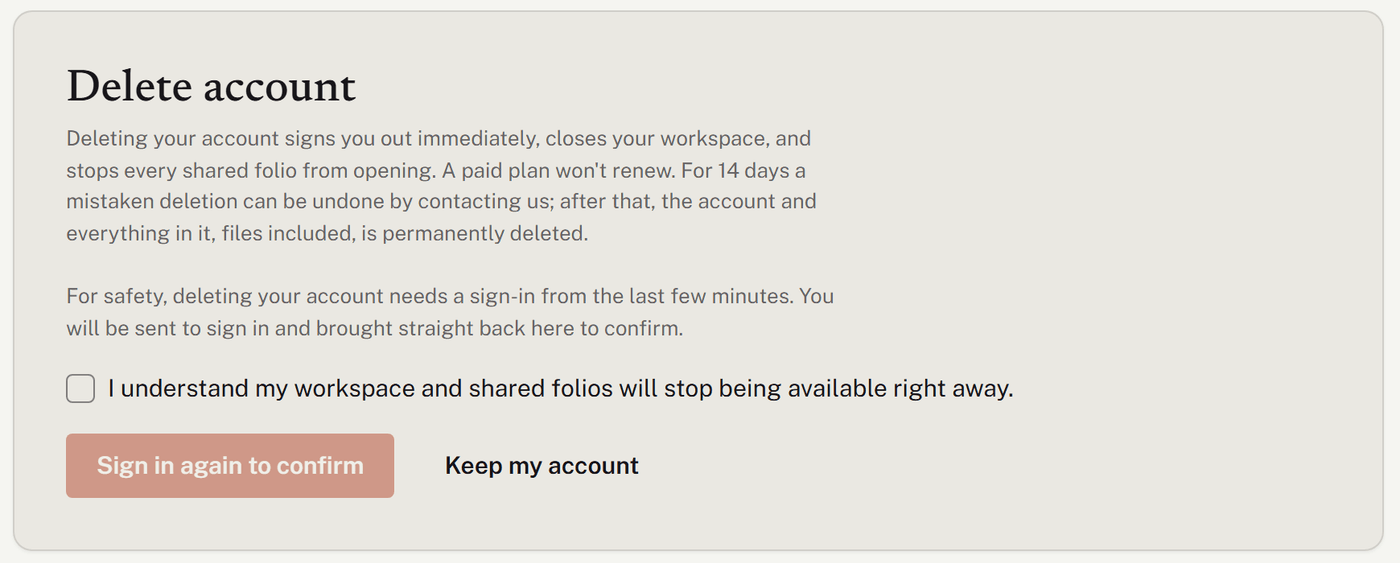
We suggest exporting your data first. Then, under Delete account:
- Choose Delete my account….
- Tick I understand my workspace and shared folios will stop being available right away.
- Choose Delete my account. If you haven't signed in within the last few minutes, you'll be asked to sign in again first, then brought straight back to confirm.
What happens:
- Right away, you're signed out, your workspace closes, and every shared Folio stops opening.
- A paid plan won't renew. It isn't refunded for the time already paid for.
- For 14 days, a mistaken deletion can be undone. Contact us before then and we'll restore everything, share links included. If you sign in during that time, you'll see when the account was deleted and the date to contact us by.
- After 14 days, the account and everything in it, files included, is permanently deleted. If you sign up again later, you start fresh.
- Support and feedback go too. Once your account is permanently deleted, we also delete what Featurebase, the service behind our help center and feedback board, holds for it: your contact details, support conversations and tickets, and the feedback and comments you posted. A comment someone replied to may stay as "[deleted]". A message you sent through the Contact form while signed out isn't tied to your account, so ask us if you'd like that removed too.
Was this helpful?
Still need help? Ask the team