Scheduled maintenance: when Tailored Folio is briefly offline
What the maintenance banner means, what happens to a page you have open, and why shared Folios keep working.
Written By Tailored Folio
Last updated About 2 hours ago
Now and then we take Tailored Folio offline for a short while to put out an update. We tell you ahead of time with a banner in the app, and Folios you've shared keep working the whole time.
The banner
Before an update, a banner across the top of every page in the app says when Tailored is going offline, how long until then, and when we expect it back. The countdown updates on its own. Times are shown in your Dates and time settings, or in your browser's time zone if you aren't signed in.

You can close the banner. It stays closed for that update until the last 15 minutes.
In the last 15 minutes it comes back and can't be closed. It asks you to finish what you're working on, because changes made after the start time won't save.
If the times change after you closed it, it comes back once with the new times.
While it's offline
Every page of the app, signing in included, shows that Tailored is offline for an update and when we expect it back. The page checks every minute and reloads by itself when we're back. If the update runs longer than planned, the page says so and gives the new time.
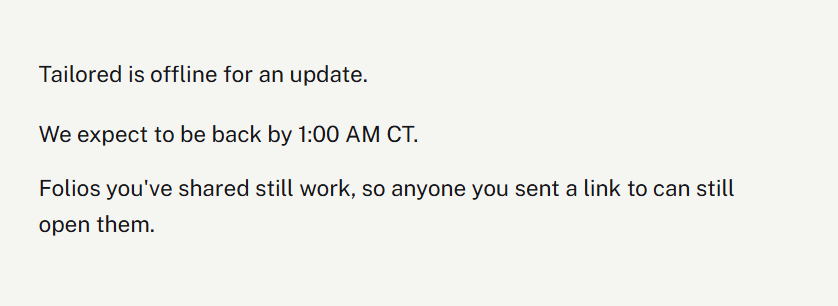
Folios you've shared keep working. Anyone you sent a link to can still open them. Only the app, where you write and edit, goes offline. Our website, this help center and the contact form stay up too.
If you have a page open
If you have Tailored open when an update starts, the tab switches to a full-screen notice within a minute, without waiting for you to click anything. Anything you try to save during the update won't go through, so finish up before the start time. When we're back, the notice offers Reload.
Payments during an update
Payments go through Paddle, which keeps working during an update. If you upgrade or renew while we're offline, it's recorded, and your plan is there when we're back.
How we tell you
Right now the banner in the app is how we let you know. There's no email or status page for updates yet. If something looks wrong outside an update, contact us.
Was this helpful?
Still need help? Ask the team